Use a SodaCL for each check to specify a list of checks you wish to execute on a multiple datasets.
Use a for each configuration to execute checks against multiple datasets during a scan.
for each dataset T:datasets:-dim_products%-fact%-exclude fact_survey_responsechecks:-row_count > 0
✖️ Requires Soda Core Scientific (included in a Soda Agent)
✔️ Supported in Soda Core
✔️ Supported in Soda Library + Soda Cloud
✔️ Supported in Soda Cloud Agreements + Soda Agent
✖️ Available as a no-code check
Define a for each configuration
Add a for each section to your checks configuration to specify a list of checks you wish to execute on multiple datasets.
Add a for each dataset T section header anywhere in your YAML file. The purpose of the T is only to ensure that every for each configuration has a unique name.
Nested under the section header, add two nested keys, one for datasets and one for checks.
Nested under datasets, add a list of datasets against which to run the checks. Refer to the example below that illustrates how to use include and exclude configurations and wildcard characters (%) .
Nested under checks, write the checks you wish to execute against all the datasets listed under datasets.
for each dataset T:datasets: # include the dataset -dim_customers # include all datasets matching the wildcard expression-dim_products% # (optional) explicitly add the word include to make the list more readable-include dim_employee # exclude a specific dataset-exclude fact_survey_response # exclude any datasets matching the wildcard expression-exclude prospective_%checks:-row_count > 0
Limitations and specifics for for each
For each is not compatible with dataset filters.
Soda dataset names matching is case insensitive.
You cannot use quotes around dataset names in a for each configuration.
If any of your checks specify column names as arguments, make sure the column exists in all datasets listed under the datasets heading.
To add multiple for each configurations, configure another for each section header with a different letter identifier, such as for each dataset R.
Use quotes when identifying dataset or column names.
-
✓
Use wildcard characters ( % ) in values in the for each configuration; see example.
-
Apply a dataset filter to partition data during a scan.
-
Example with check name
Example with alert configuration
Example with in-check filter
Example with wildcard
Add a dynamic name to for each checks
To keep your for each check results organized in Soda Cloud, you may wish to dynamically add a name to each check so that you can easily identify to which dataset the check result applies.
For example, if you use for each to execute an anomaly detection check on many datasets, you can use a variable in the syntax of the check name so that Soda dynamically adds a dataset name to each check result.
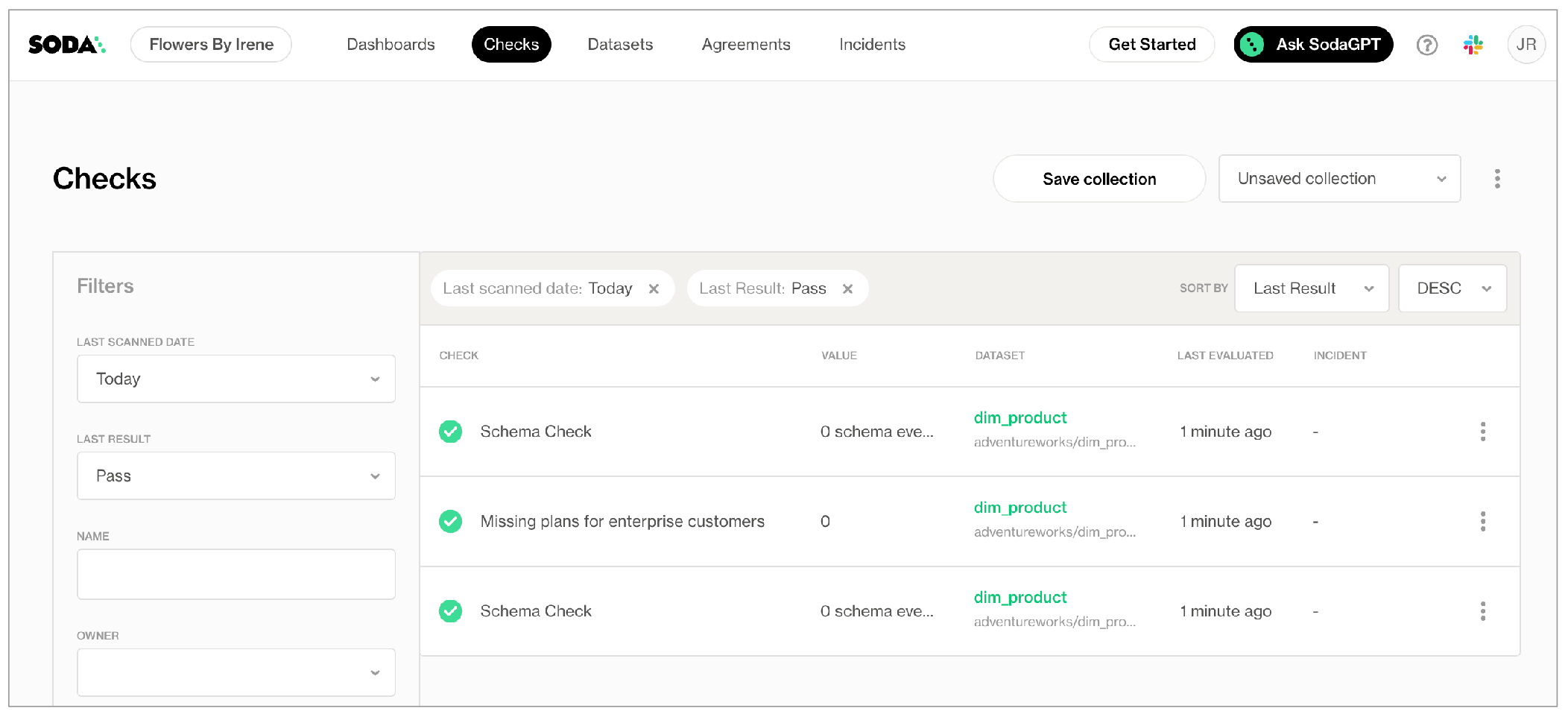
For each results in Soda Cloud
Soda pushes the check results for each dataset to Soda Cloud where each check appears in the Checks dashboard, with an icon indicating their latest scan result. Filter the results by dataset to review dataset-specific results.