> For the complete documentation index, see [llms.txt](https://docs.soda.io/llms.txt). Markdown versions of documentation pages are available by appending `.md` to page URLs; this page is available as [Markdown](https://docs.soda.io/soda-cloud-dashboards/organization-dashboard.md).
# Organization dashboard
{% hint style="warning" %}
This page describes the **classic dashboard**, which is being replaced by [Soda Cloud dashboards](/soda-cloud-dashboards.md).
You can revert to this dashboard by selecting **Back to the classic dashboards** at the top of the Dashboards page. Soda remembers that choice in your browser.
{% endhint %}
The **Organization Dashboard** provides a high-level overview of your data quality across datasets and checks in Soda Cloud. It shows key trends over time, such as the number of checks that are passing, failing, or in a warning state, helping you identify issues early.
You’ll also find key metrics, including:
* **Scans in failed mode**: Datasets that are currently blocked due to failing checks.
* **Checks currently failing**: Active checks that need attention.
* **Overall Health Score**: The number of failing checks out of the total number of checks
These insights allow you to quickly identify where action is needed.
**Customize your dashboard**
You can tailor the Organization Dashboard to focus on the areas that matter most to you:
{% stepper %}
{% step %}
**Apply filters based on attributes**
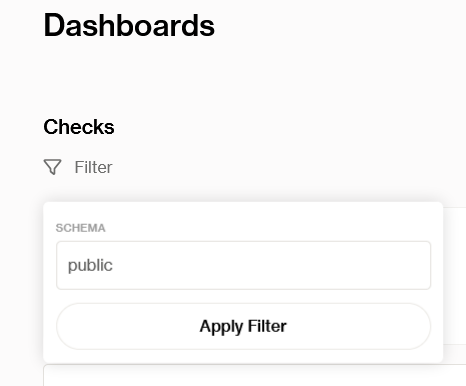
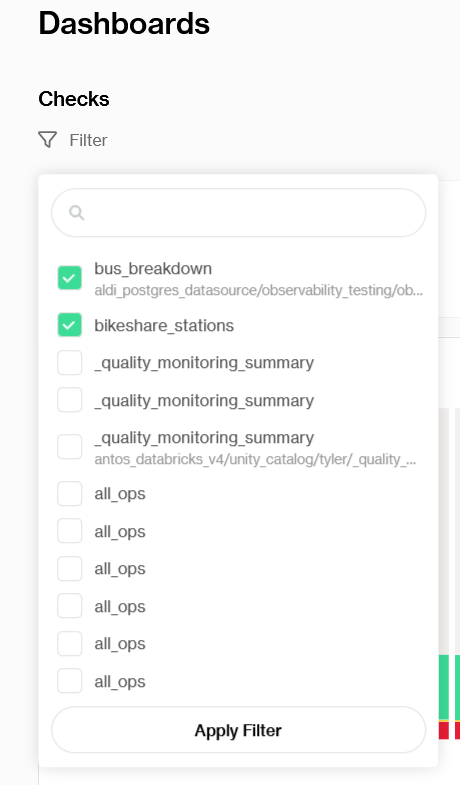
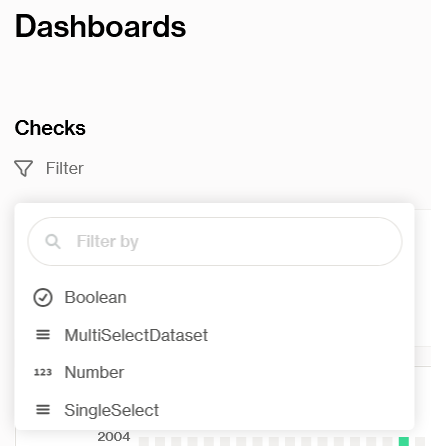
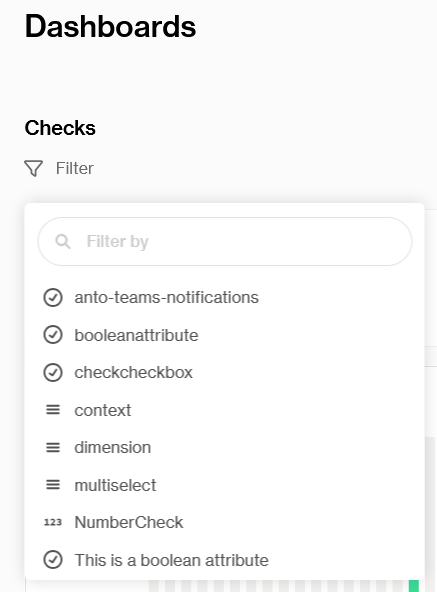
Use the filter options to narrow down the view by:
* **Schema**
* **Dataset**
* **Dataset level attributes**
* **Check level attributes**
{% endstep %}
{% step %}
**Save dashboard**
Click the **Save** button (top right) to store your current filter configuration as a collection and **name it**.
{% endstep %}
{% step %}
**Access saved dashboards**
Once saved, your collection will be available in the drop-down at the top right of the page. Simply select it to switch views.
{% endstep %}
{% step %}
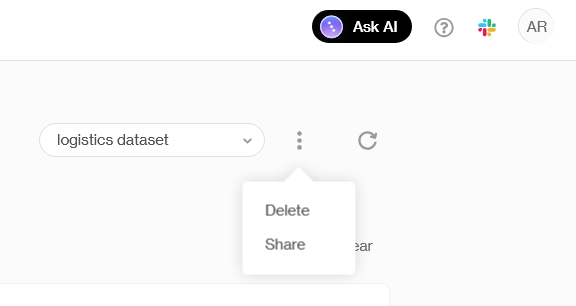
**Saved dashboard context menu**
Use the context menu next to the collection name to:
* **Delete** the collection if it’s no longer needed.
* **Share** the collection with others in your organization.
{% endstep %}
{% endstepper %}
## Activity section
The **Activity section** offers insights into how Soda is being used across your organization. It tracks adoption metrics, such as active users, active checks, active datasets, and the number of alerts in the last 90 days.
#### Custom dashboards via REST API
In addition to the built-in dashboards in Soda Cloud, you can build **custom dashboards** tailored to your organization’s specific needs. This enables you to create tailored views and reports that align with your business logic and audience, ensuring stakeholders get the right insights in the tools they already use.
> Learn how to build [dashboards outside of Soda Cloud](/soda-cloud-dashboards.md#dashboards-outside-soda-cloud).
***
{% hint style="info" %}
You are **not logged in to Soda** and are viewing the default public documentation. Learn more about [Licensing & documentation access](/reference/documentation-access-and-licensing.md).
If you do have a Soda license, make sure to **log in to Soda Cloud in this same browser**.
{% endhint %}
---
# Agent Instructions
This documentation is published with GitBook. GitBook is the documentation platform designed so that both humans and AI agents can read, navigate, and reason over technical content effectively. Learn more at gitbook.com.
## Querying This Documentation
If you need additional information that is not directly available in this page, you can query the documentation by asking a question.
Perform an HTTP GET request on the following URL with the `ask` and `goal` query parameters:
```
GET https://docs.soda.io/soda-cloud-dashboards/organization-dashboard.md?ask=&goal=
```
`ask` is the immediate question: it should be specific, self-contained, and written in natural language.
`goal` is what the user is ultimately trying to achieve, the reason they need the answer. Sharing it helps GitBook give you a better, more relevant answer. A goal is most helpful when it describes the outcome the user wants rather than restating the question. For example, with `ask=how do I create an API token`, a goal like `automate deployments from our CI pipeline` lets GitBook tailor the answer to that use case.
The response will contain a direct answer to the question and relevant excerpts and sources from the documentation.
Use this mechanism when the answer is not explicitly present in the current page, you need clarification or additional context, or you want to retrieve related documentation sections.